The Razer Viper V4 Pro took me back to basics, and you know what? Maybe that's all a gaming mouse should be

Razer Viper V4 Pro: Two-minute review
Razer is a good brand for PC gaming hardware, but I have noticed a tendency over the years to make its generational hardware upgrades... iterative might be the kind way to put it, but if I were feeling uncharitable, I might call them rudimentary – improving something, but sometimes not to a sufficient degree that an entirely new product release feels worthwhile.
I feared this might be the case with the Razer Viper V4 Pro. That wouldn't have been a disaster by any means; we gave the previous Viper V3 Pro a four-star score when we reviewed it back in 2024, which is perfectly respectable. But when I saw the V4 Pro for the first time, my first thought was that it didn't look any different from the V3 Pro whatsoever, and my heart sank.
Once I got my hands on the new model, though, I was pleased to be proven wrong. Despite looking virtually identical to the previous model, the Viper V4 Pro has undergone extensive improvements where it counts – on the inside.
For starters, Razer has managed to shave off another five grams from the already-low package weight, bringing this mouse down to a staggeringly lightweight 49g. The battery life has been almost doubled, and the buttons (and scroll wheel) have been updated with new optical switches, which provide better durability without compromising on tactile feedback.
The sensor has been upgraded, too, with the Viper V4 Pro packing Razer's third-generation Focus Pro 50K optical sensor. 50,000 DPI is far more than 99% of people will ever need, but it helps cement this as a peripheral for serious, hardcore competitive gamers. The 8K polling rate (returning from the V3 Pro) also aligns with this; the average gamer won't need it, but for pros, it's a must-have.
Really, it's genuinely difficult for me to find anything I don't like about this mouse. It's comfortable in the hand and feels supremely responsive even in high-stakes virtual shootouts. The lack of a left-handed version is a shame (although I imagine many of my fellow southpaws have adapted to life in a right-handed world and use their mouse on the right out of habit), and it's admittedly pretty expensive, but these feel like minor issues – bugs on the windshield of an extremely nice car. From my time with it, I'm very confident in saying that the Razer Viper V4 Pro deserves a place among the best gaming mice on the market.
Razer Viper V4 Pro: Price & availability
- How much does it cost? $159.99 / £159.99 / AU$279.95
- When is it available? Available now
- Where can you get it? Available globally
Anyone familiar with Razer's hardware will be aware of the 'gamer tax' on the brand's products, but even taking Razer's often-steep pricing, this is one very expensive mouse.
At $159.99 / £159.99 / AU$279.95, it's very slightly cheaper than the Razer Deathadder V4 Pro, which we featured in our list of the best mice, and is fundamentally very similar to the Viper V4 Pro beyond its right-handed grip shape.
Don't get me wrong: this is an extremely high-quality mouse, but there's no getting around the fact that it'll simply be out of reach for many PC gamers at this price point. It's arguably also quite feature-light for such an expensive mouse; some potential buyers might feel shortchanged here, especially if they're looking for a mouse with more customization options.
Razer Viper V4 Pro: Design
- Incredibly lightweight design
- Sturdy, tactile optical switches
- No version for left-handed users
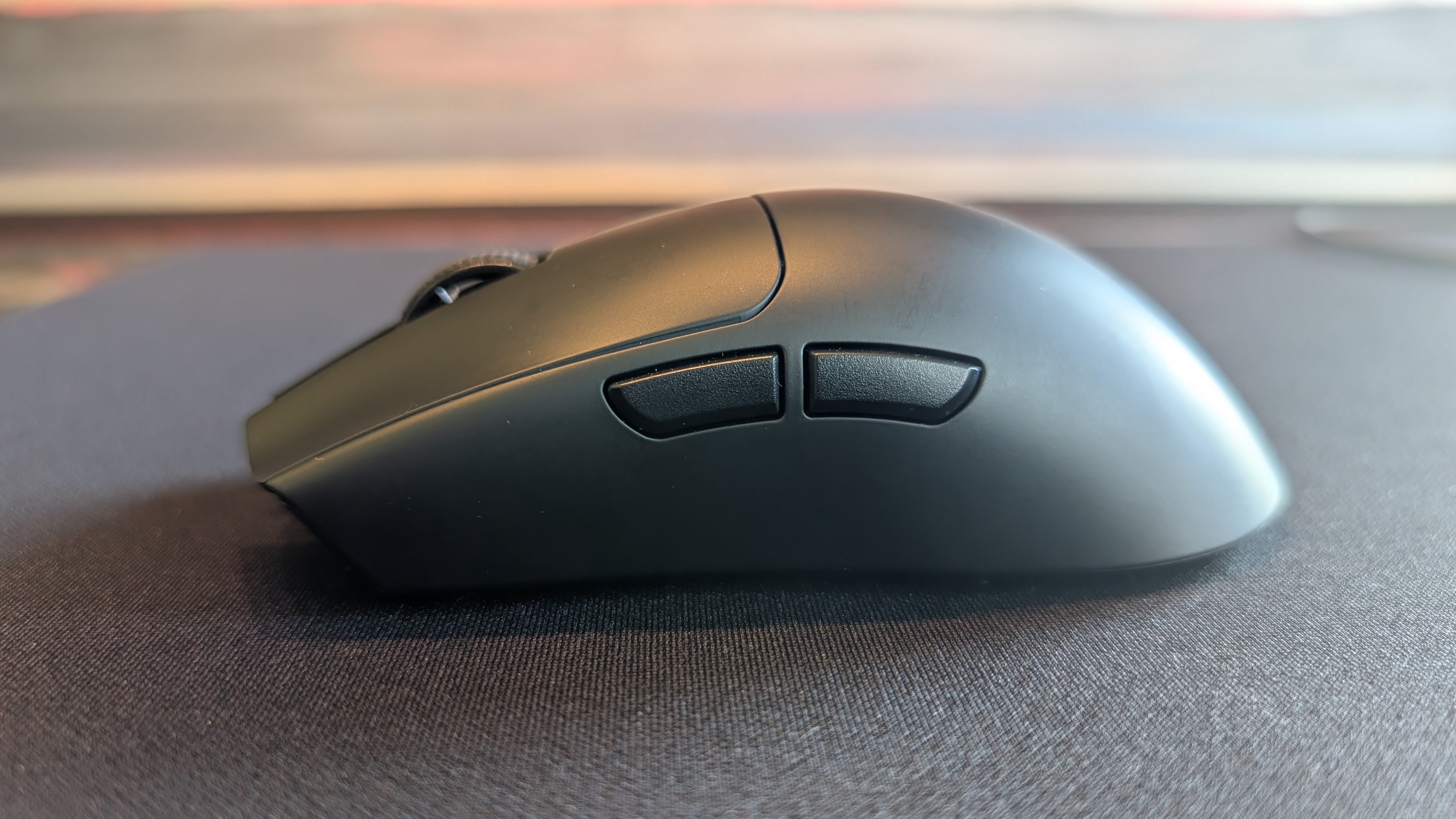
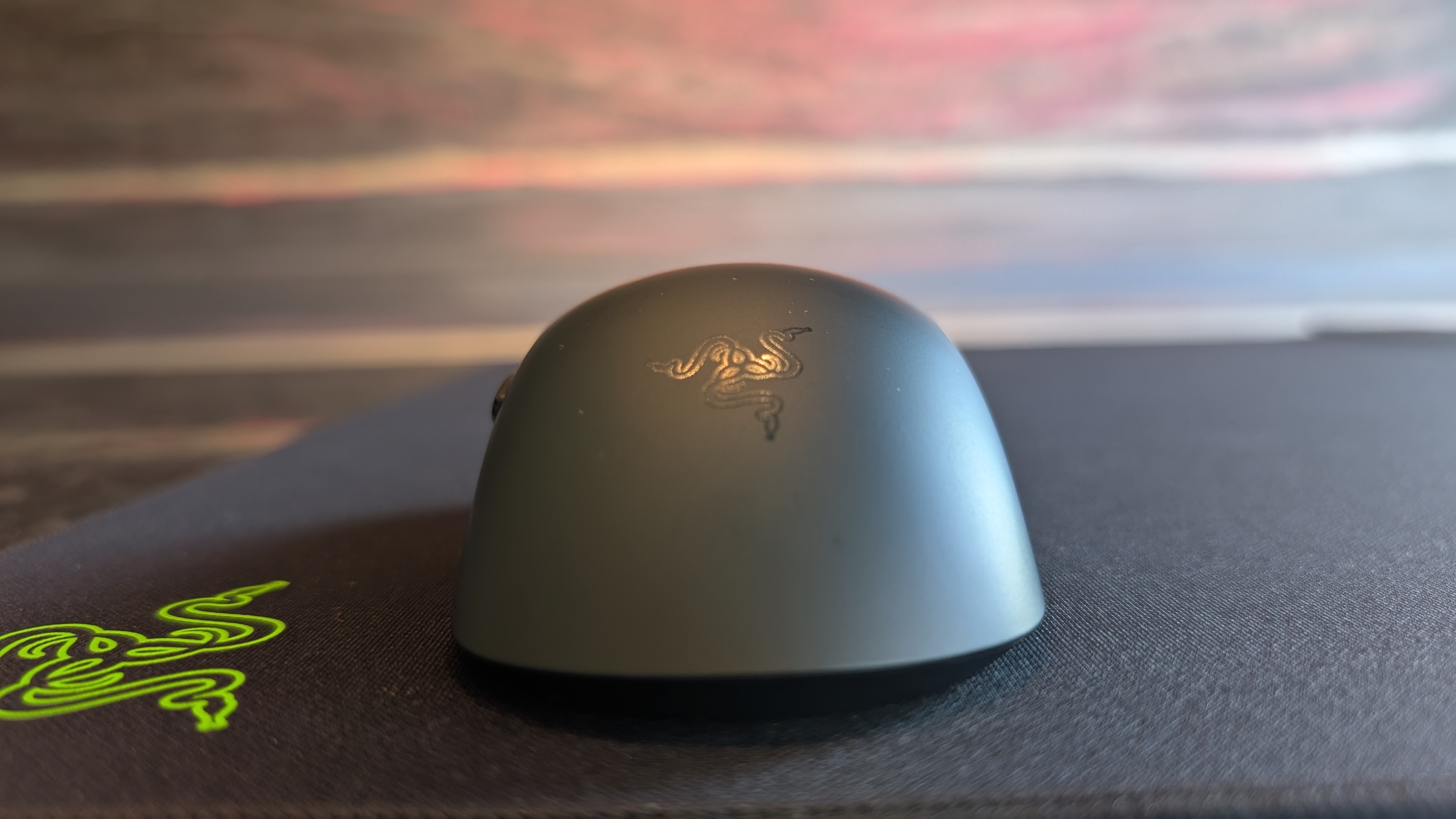
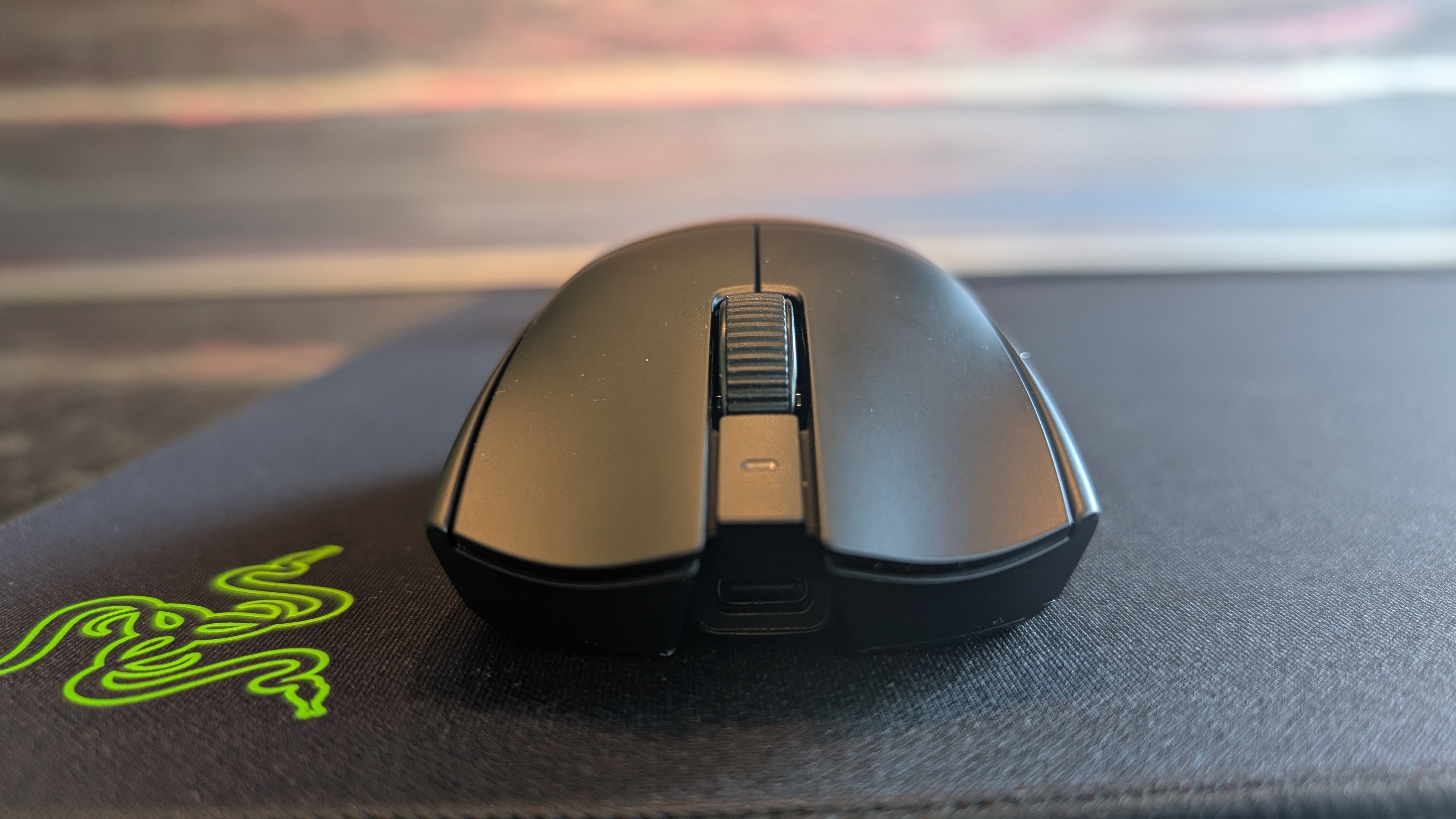
Compared to the Logitech G502 Lightspeed I use daily for work and gaming, the Razer Viper V4 Pro feels like I'm holding nothing at all (nothing at all...)
Seriously, I almost can't believe the Viper V4 Pro even weighs the 49g listed on the spec sheet; this thing is phenomenally lightweight, to the point where I actually busted out the kitchen scales to make sure I wasn't going crazy. Sure enough, it weighed exactly the listed 49g.
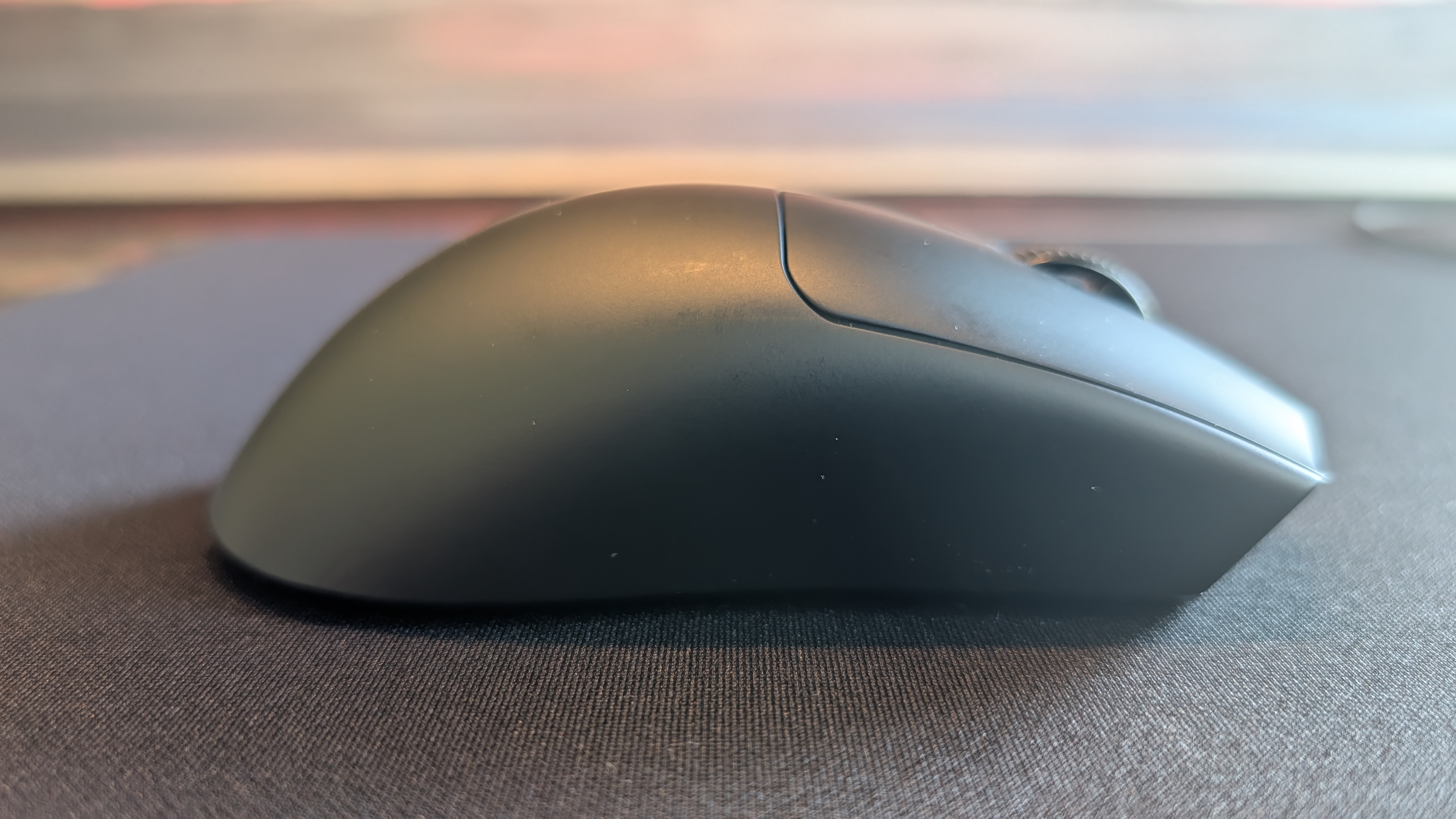
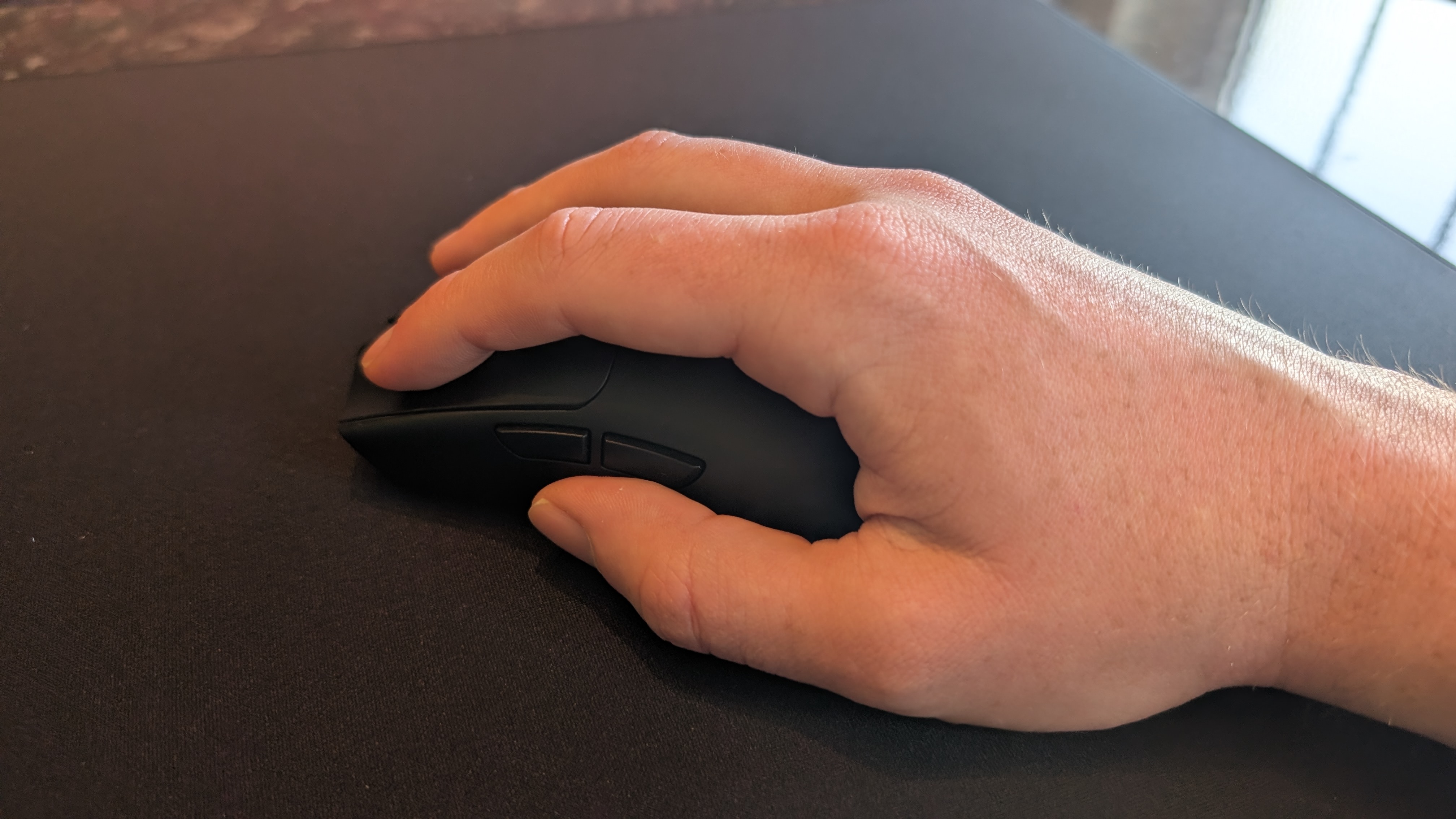
It's also just a generally very comfortable mouse to use. The exterior casing is almost entirely symmetrical and lacks a thumbrest, which would generally mean that it's best suited for claw and fingertip mouse grippers, but as someone who tends to shift between claw and palm grip styles, I can attest that the latter feels comfortable with the Viper V4 Pro as well. As I noted further up in this review, despite the mostly symmetrical design, the Viper only comes in one right-handed model, so lefties are out of luck.
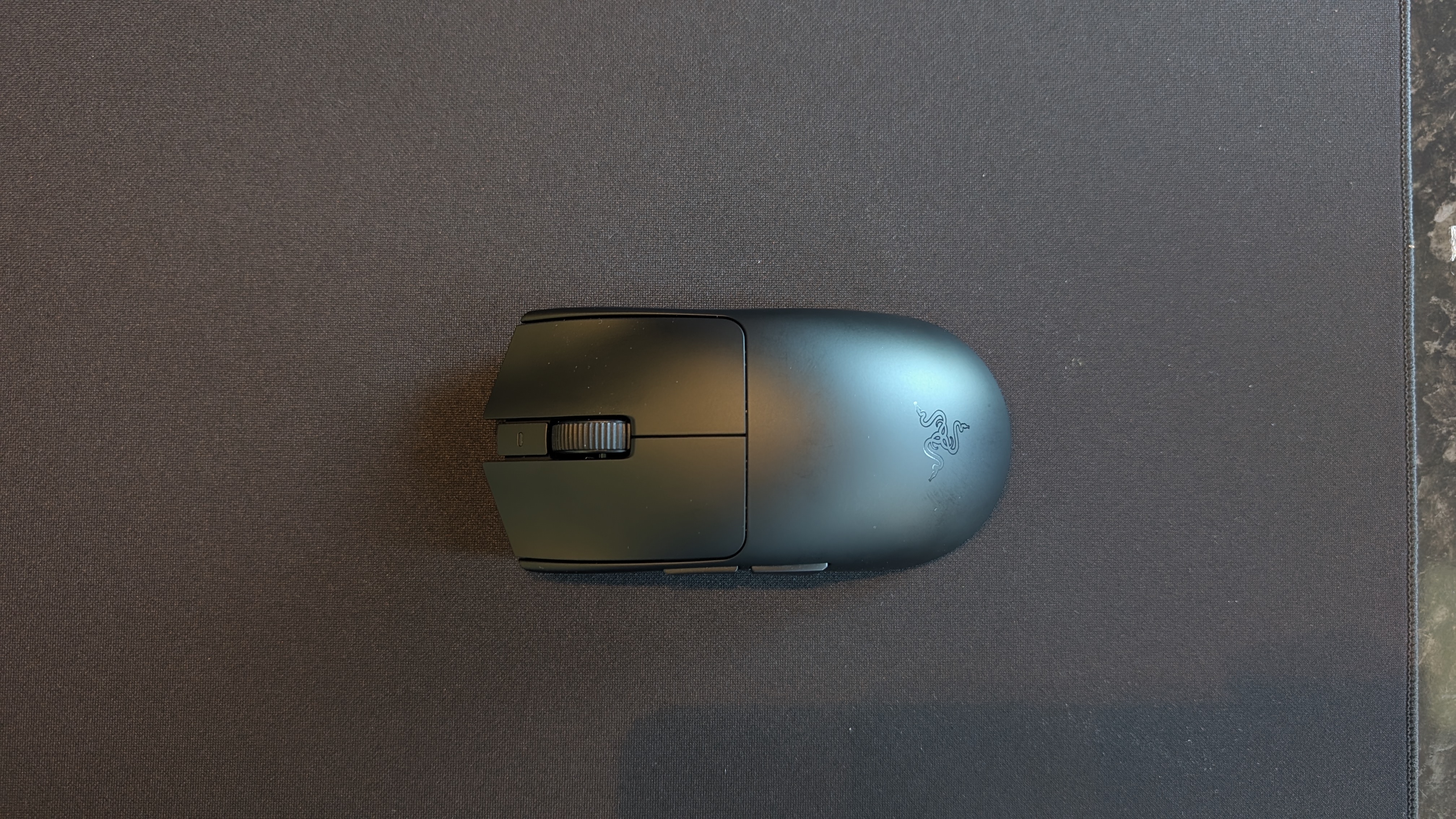
The buttons and scroll wheel have a pleasing amount of tactile feedback, updated to shiny new optical switches underneath the matte plastic buttons. They feel robust, with the main two mouse buttons rated for 100 million clicks, though I would note that they have a fairly loud 'click' to them – something to bear in mind if you prefer a quieter mouse.
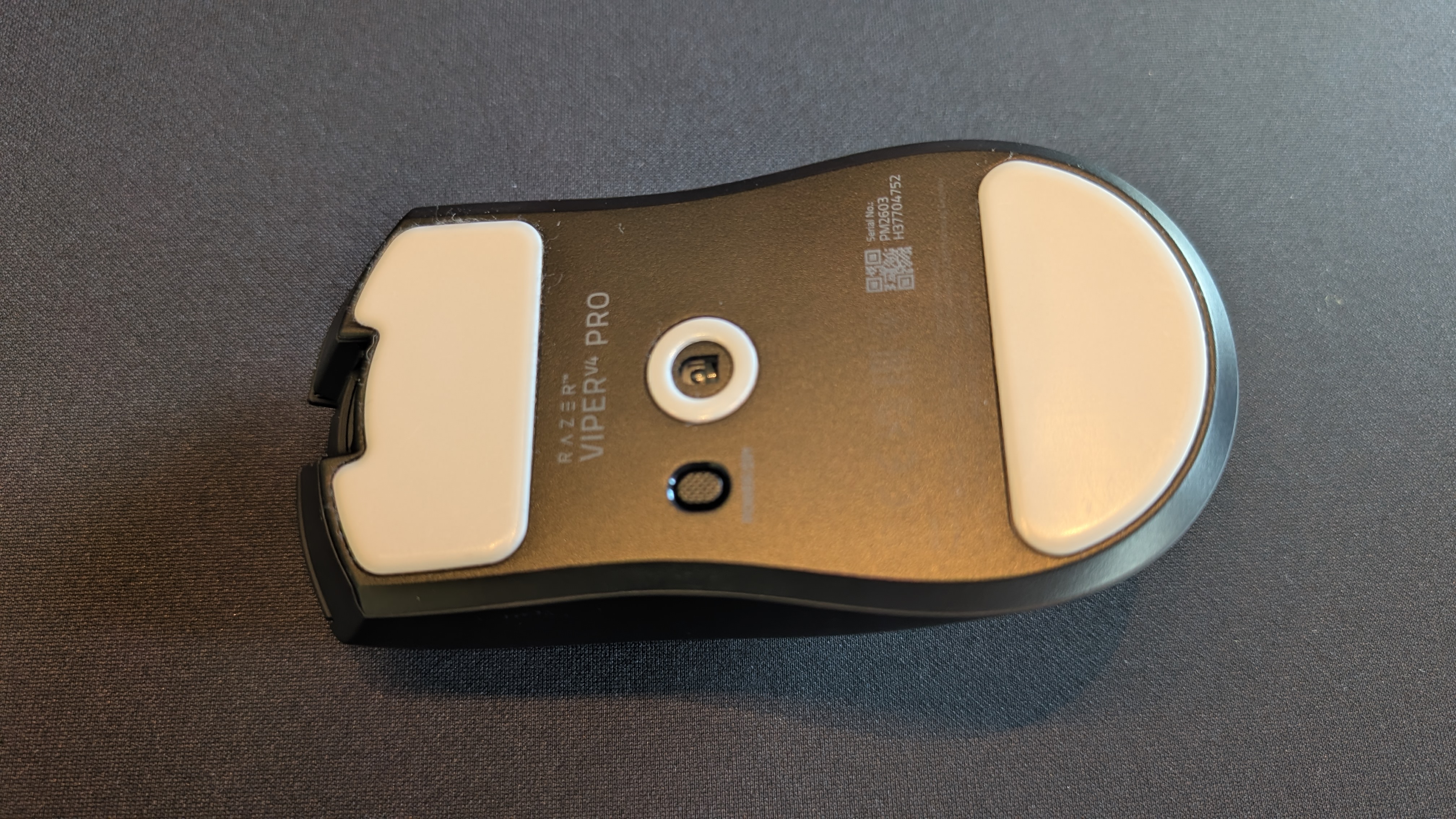
The underside of the mouse features only the sensor, a DPI/power button, and two wide PTFE feet that offer a good amount of smoothness on a variety of surfaces (more on that down in the performance section). I'm personally not a huge fan of DPI buttons being inaccessible during use, but it's unlikely to bother the majority of users.
Overall, it's a pleasingly straightforward design; considering that the Razer name is sometimes considered synonymous with bright RGB lighting, I like how stripped-back and purpose-built the Viper V4 Pro feels.
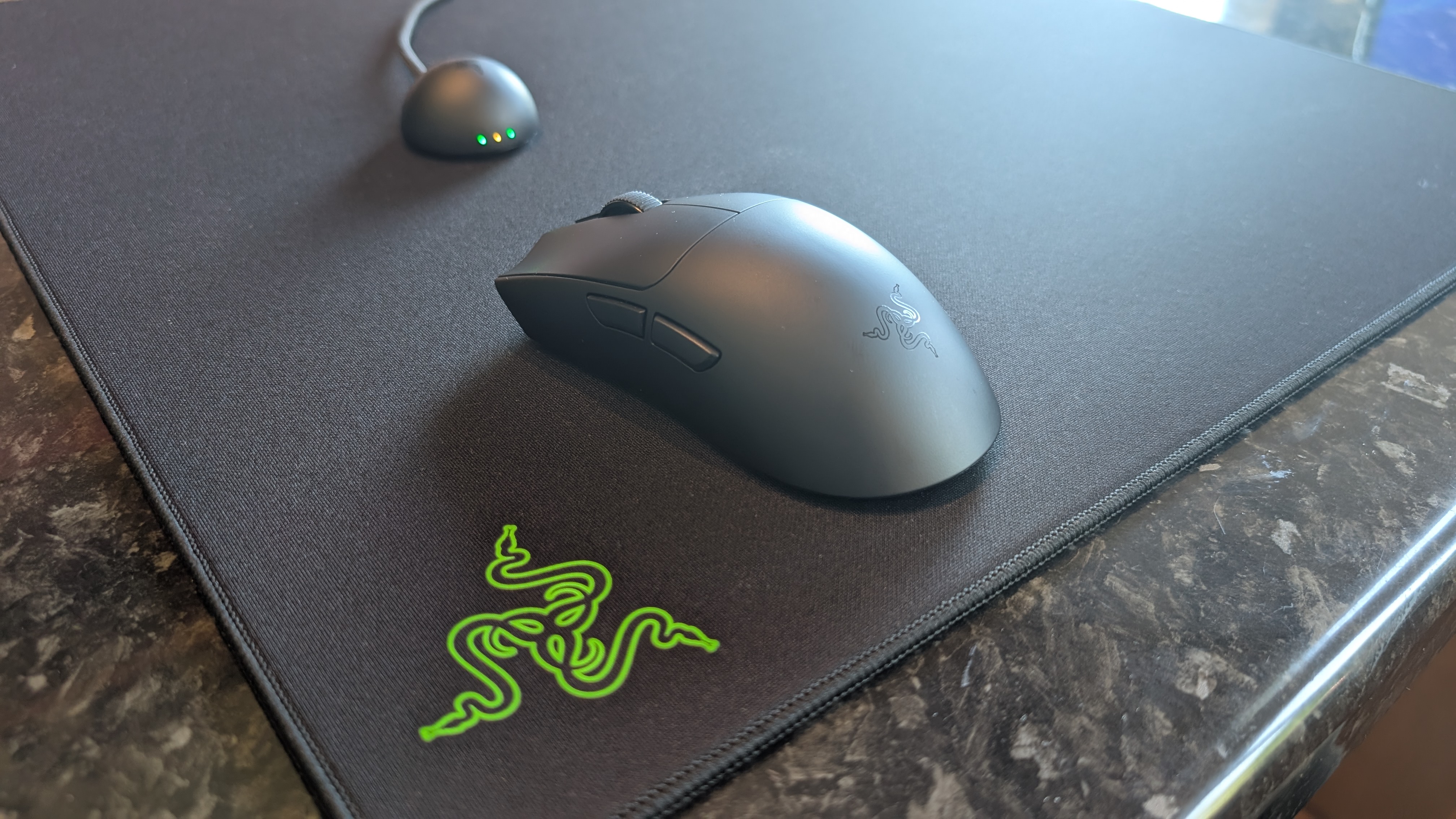
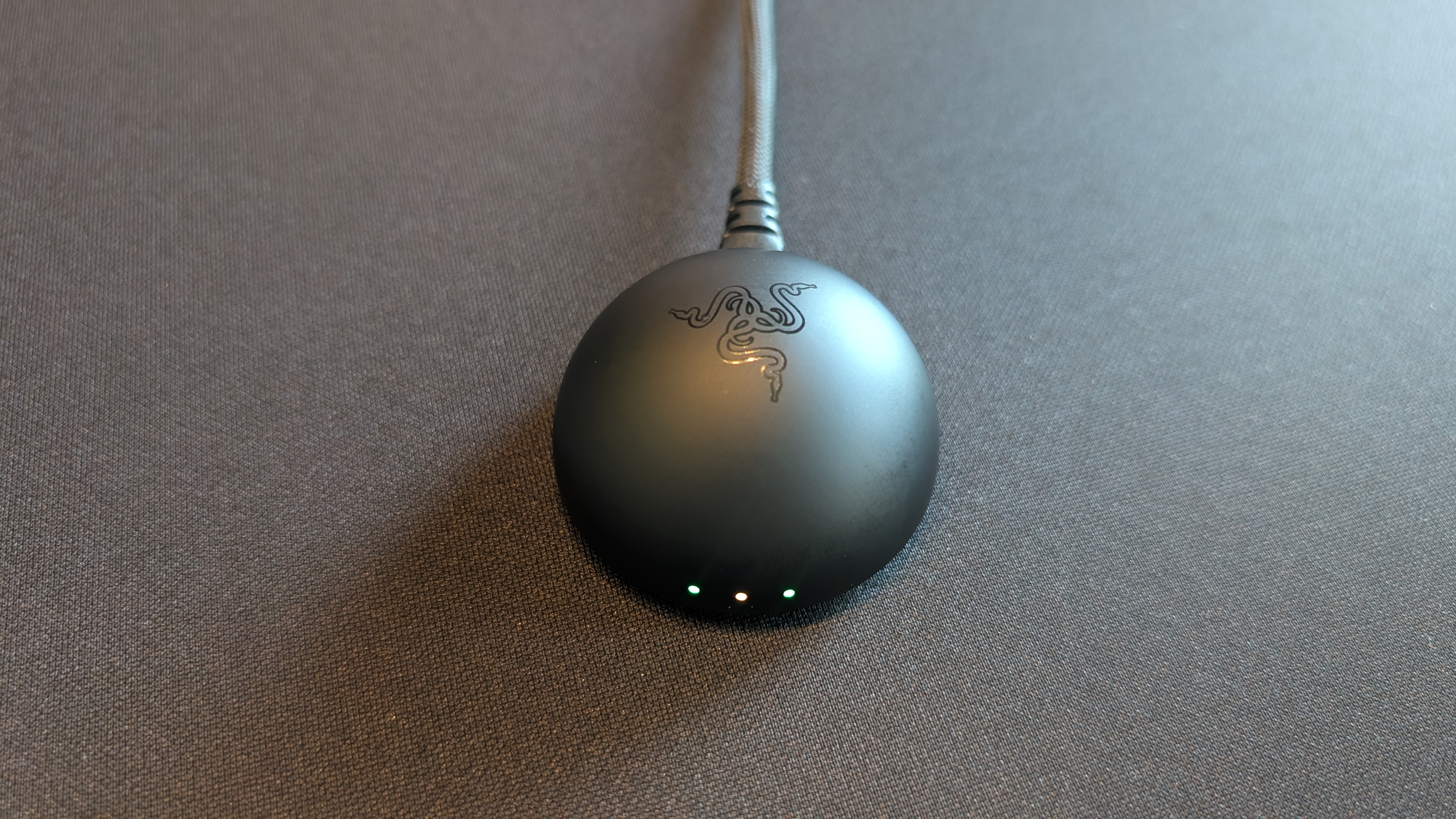
In fact, the only LEDs to be found here are a single white power indicator above the scroll wheel, and three RGB LEDs on the wireless dongle – which rather helpfully display the mouse's connection status, battery life, and polling rate mode via color-coding.
This dongle was recently redesigned from a rather blocky shape to a far more aesthetically pleasing mini dome with the Razer logo emblazoned on the top, and it connects to your PC via an included USB-C to USB-A cable. This cable can also be used to charge the mouse itself or connect it for fully wired play, but there's no Bluetooth support here, so laptop gamers with limited ports should bear that in mind.
Razer Viper V4 Pro: Performance
- Snappy, satisfying performance in shooters
- Razer Synapse is better than ever
- 8K polling rate is probably unnecessary for most PC gamers
Simply put, this is one hell of a gaming mouse for first-person shooters. I used the Viper V4 Pro to play Valorant, Marathon, Overwatch, and Counter-Strike 2 – and while I'm not sure if it actually made me better at clicking heads, I certainly felt like it was a better fit for fast-paced, twitchy shooting than my usual Logitech G502 Lightspeed Wireless.
Razer was kind enough to send me some mouse mats to test the Viper V4 Pro on, and I found that it offered a good amount of glide on practically any surface. From the moderate friction of the Razer Gigantus V2 Pro (featured in the photography for this review) to the silky-smooth tempered glass Atlas Pro mat, the Viper felt swift and easy to use regardless of surface. In fact (sorry Razer), I'd even say that you barely need a fancy mouse mat for this mouse; it worked perfectly even just on the bare wooden surface of my desk.
The Razer Synapse app has come a long way – no longer the annoying bloatware I used to heckle in every Razer product review, but now a sleeker and more effective (and, importantly, less intrusive) piece of tweaking software. Even better, it's now available as a web app, letting you tweak settings in your browser without needing to download the main app itself.
There isn't a vast amount of customization options here, which is unsurprising given the minimalist nature of the Viper V4 Pro, but the options you do get come with a great amount of granularity. Most importantly, the mouse sensitivity can be adjusted right down to 1-DPI increments to get you the exact right amount, and you can also adjust the sensor's tracking angle to ensure that the mouse input from fast horizontal movements stays level, which I actually did find helped with landing repeated shots on strafing targets. As you'd expect from a premium gaming mouse, you can also set up macros, but you'll need to download the full-fat version of Synapse for that.
One feature that didn't actually help at all was the 8,000Hz polling rate mode. This feature is becoming increasingly common as a selling point for both mice and keyboards, but I remain dubious; in my recent review of the Keychron Q1 Ultra 8K gaming keyboard, I called it a gimmick – and I stand by that assessment.
See, an 8K polling rate helps minimize input latency from your peripherals (the standard is usually 1K, which the Viper V4 Pro is set to by default unless you turn on the 8K mode in Razer Synapse), which is undeniably a good thing, but 1K polling is frankly already good enough for the vast majority of users in the vast majority of use cases. The average gamer likely won't even notice the difference – I feel like there was a very slight, almost imperceptible increase in reactivity, but not enough to actually make me hit my shots more consistently.
Still, I won't knock the Viper V4 Pro down a point for this, because it's something every gaming mouse manufacturer is also doing, and because this is a mouse marketed towards esports gamers. I'm sure the Valorant and League of Legends masters Razer quotes on its website actually can tell the difference in a high-stakes tournament match, I'm just too much of a filthy casual to really reap the benefits. It also doesn't make me any better at Slay the Spire 2. Seriously, the Waterfall Giant can sod off.
One nifty feature that I did appreciate was an adaptive polling mode, which can be toggled on with Synapse (though it's not yet available in the web app version). This switches on the 8K polling rate for gaming, but automatically returns to 1K mode for other activities on your PC, which helps preserve the battery life of the mouse. And on that topic: the battery life is great. Razer advertises up to 180 hours, almost double the 95-hour battery of the last-gen Viper V3 Pro, and I can confirm that I didn't need to charge the mouse even once during the week I spent testing it.
Should you buy the Razer Viper V4 Pro?
Value | Unsurprisingly for a Razer product, the Viper V4 Pro isn't cheap – but the great build quality and performance are worth it. | 4/5 |
Design | The Razer Viper V4 Pro keeps the same clean, minimalist external design as the previous model, but with a lot of worthwhile internal improvements. | 4.5/5 |
Performance | Sure, the 8K polling rate is probably overkill for the average gamer, but there's no denying that this mouse feels fantastic for fast-paced online games. | 5/5 |
Average rating | This might actually be one of the best gaming mice Razer has ever made: no fancy features, just pure precision and performance. | 4.5/5 |
Buy the Razer Viper V4 Pro if…
Battery life is important to you
The battery life on the Viper V4 Pro is best-in-class, and the LED battery indicator on the wireless dongle is a smart little inclusion.View Deal
You prefer a lightweight mouse
At just 49g, this is one of the lightest gaming mice on the market. Well, one of the lightest ones I'd actually recommend buying, anyway.View Deal
You want a mouse for competitive shooters
In one sentence: this mouse was made for clicking on heads.View Deal
Don’t buy it if…
You want lots of features
The Viper V4 Pro is geared towards minimalist efficiency, making it a poor choice for MMO gamers who want lots of buttons to map.View Deal
You’re on a tight budget
Yes, there are pricier mice out there, but this is still a very expensive peripheral aimed at hardcore PC gamers.View Deal
You’re left-handed
There’s only one orientation available here, and it's for right-handed users. Sorry to my fellow lefties.View Deal
Razer Viper V4 Pro: Also consider
Asus ROG Harpe Ace Mini
Another super-compact, super-lightweight gaming mouse with a minimalist design that focuses on raw performance over features, the Harpe Ace Mini from Asus weighs exactly the same as the Viper V4 Pro (49g) but is slightly smaller and squeezes in a tiny bit of RGB lighting on the scroll wheel. Read our full Asus ROG Harpe Ace Mini review.View Deal
Razer Deathadder V4 Pro
Basically the same mouse, but a bit heavier and with a less symmetrical body that favors palm grippers more. Like the Viper V4 Pro, the latest Razer Deathadder packs an updated sensor and new optical switches, making it another great choice for esports gamers. Read our full Razer Deathadder V4 Pro reviewView Deal
How I tested the Razer Viper V4 Pro
As is standard for my mouse reviews, I swapped out my ever-reliable Logitech G502 Lightspeed for the Razer Viper V4 Pro for one week, using it for both my day-to-day tasks and gaming during my off hours.
I downloaded the Razer Synapse app and spent a while tweaking the mouse settings to my liking, then dived straight into my current addiction (Marathon, which truly does not deserve the hate it's been getting online). I also played a selection of other games, mostly online shooters like Valorant and Apex Legends, plus a spot of solo RPG gaming in the rather excellent Esoteric Ebb.
First reviewed May 2026